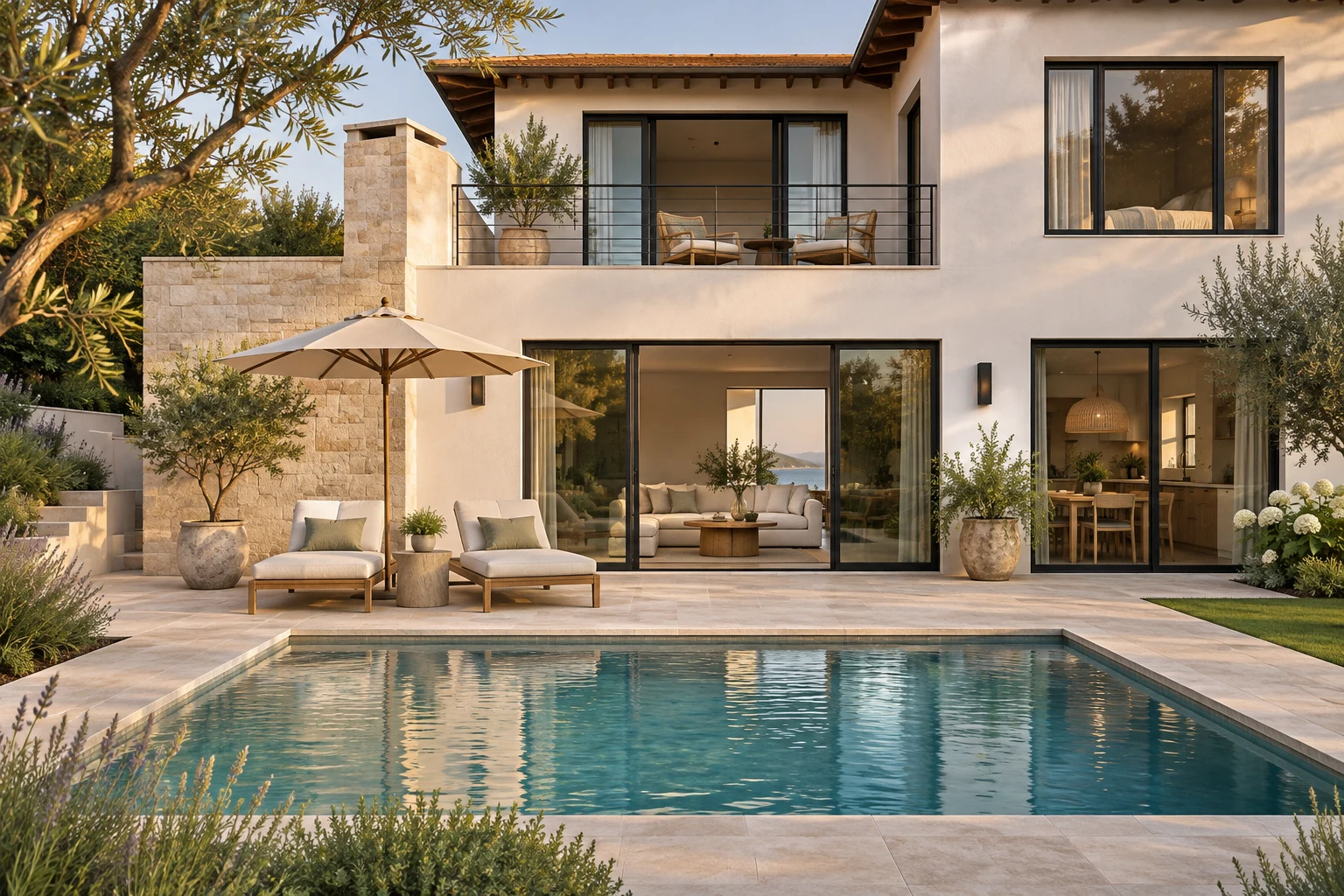
Start with a route through the property
Before selecting your favorite images, decide how someone should experience the home. A useful sequence might begin at the entrance, move into the main living area, connect to the kitchen and finish outside. Choose the route that makes sense for the actual property, rather than treating every room as a separate highlight.
A video does not need to show every available photograph. Similar angles can compete with each other. Keep images that introduce a space, explain an important connection or show a detail that matters to a buyer. Remove repeated views when they do not add information.
Check the vertical crop before writing the story
A wide photograph and a vertical video show different parts of a room. In ReelMyListing, use the photo-framing step to inspect what remains visible. Move the frame to keep important architectural features in view. Use fit when showing the entire image matters more than filling the screen.
Avoid pushing the zoom so far that a room becomes difficult to understand. A doorway, window or connection to another space can provide useful context. Check each photo separately: a framing choice that works for an exterior may hide too much in a kitchen.
Let each scene earn its place
Give each selected image one clear purpose. The living room can establish the feeling of the home; the kitchen can show its layout; an outdoor image can close the tour. Write narration about what the photo actually supports and confirm any property facts against the listing.
ReelMyListing lets you edit narration and captions in the final review. Short captions can help emphasize a detail without covering the image. Adjust the position, size and color for the individual scene, and check that the words remain readable against the photograph.
Review the result as a complete tour
After generating the video, watch it from beginning to end. Check the sequence, framing, spoken facts and final contact information. If an image looks repetitive or a sentence feels disconnected, use that observation to improve your next edit.
Use photographs you own or have permission to use. The images on this page belong to our fictional demonstration property; they illustrate the workflow and are not a live property listing.